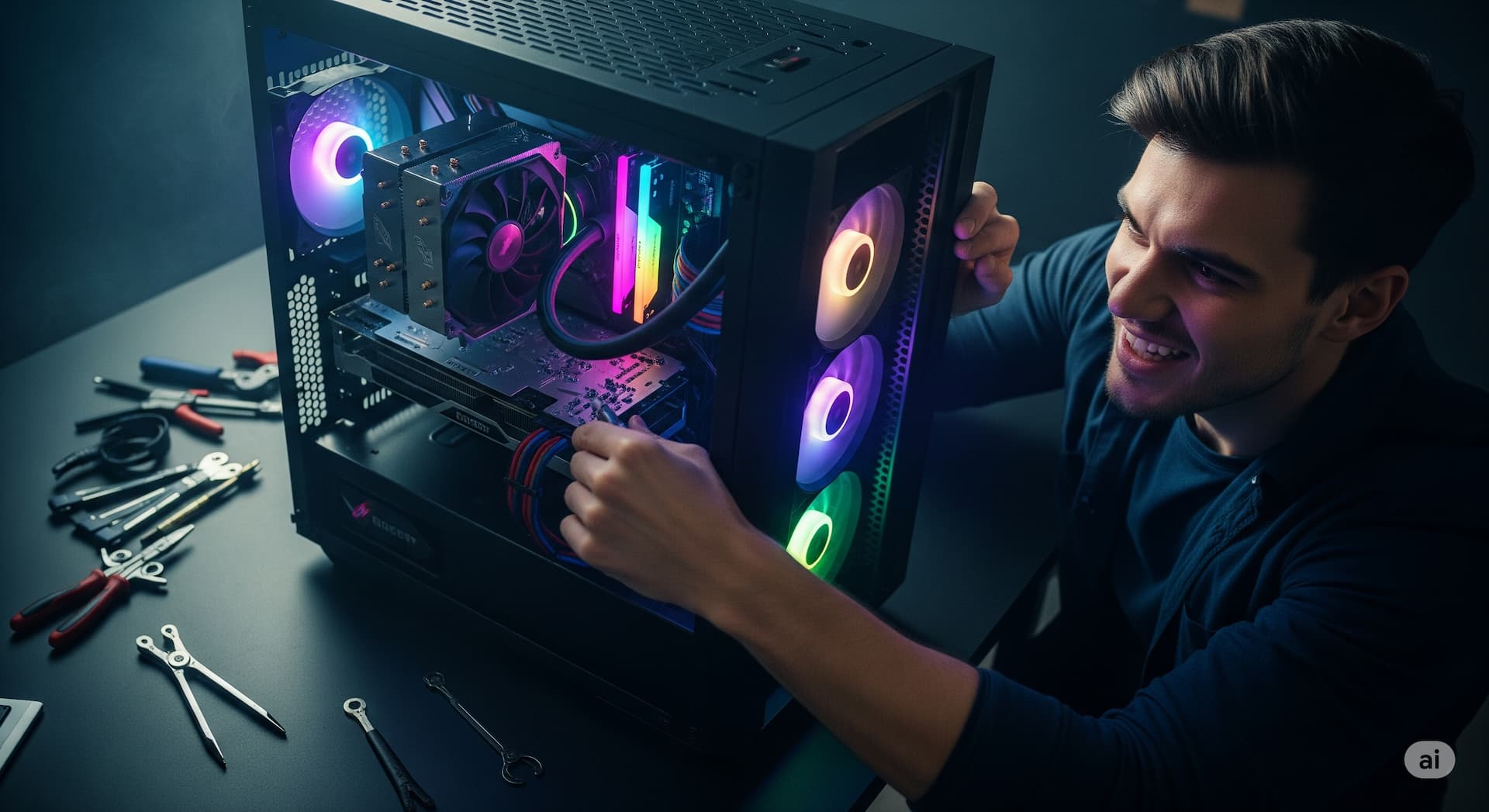
Custom Gaming PC Builder in Oceanside, Encinitas & Carlsbad
Local custom gaming PC builder and gaming PC repair shop in North County San Diego. We help you spec the right GPU, CPU, RAM, and cooling for your budget, then professionally assemble and test your build in Oceanside, Encinitas, or Carlsbad.
Our 5-Step Process
Free Consultation
Detailed Quote
Your Approval
Expert Service
Warranty & Follow-Up
Stop Lagging. Start Dominating. Build the Ultimate Gaming Rig — Locally.
You’ve watched the benchmarks, you’ve seen streamers with silky-smooth frame rates, and you know your off-the-shelf PC isn’t cutting it. Pre-built systems from big-box stores often hide cheap, mismatched components — corner-cut PSUs, generic motherboards, slow single-channel RAM, and locked-down BIOS — that lead to thermal throttling, dead motherboards two years in, and an upgrade path that doesn’t exist. To get the gaming experience you’re paying for, you need a machine built for one purpose with parts you can verify, by someone who’ll actually warranty the labor: a custom-built gaming PC from PC Repair Center.
We build, test, and stand behind custom PCs at our Oceanside, Encinitas, and Carlsbad shops. Free consultation, transparent parts list, professional assembly with proper cable management, and a 60-day workmanship warranty on the build.
Custom-Built PCs for Every Use Case
We’re not just gaming. We build custom PCs for gaming, content creation, 3D rendering, CAD, software development, AI/ML workstations, home office, and small-business workstations. Each build starts with a free consultation: what you’re going to do with the machine, what software you’re running, what’s on your screen now, and what your budget actually is. From there we spec components that match — not the marketing-driven SKU you see at Best Buy.
You can buy the parts yourself (we’ll give you the PCPartPicker list), or we can source them. Either way, you get the same assembly quality and the same labor warranty.
Gaming PC Builds — By Budget Tier
Budget Gaming ($800–$1,200)
Targets 1080p high settings at 60–144 fps in modern AAA titles and any esports title at well over 144 fps. Typical build: AMD Ryzen 5 or Intel Core i5, RTX 4060 / RX 7600-class GPU, 16 GB DDR5, 1 TB NVMe SSD, 650 W 80+ Bronze PSU, mid-tower with three intake fans. Solid daily-driver, plays everything at 1080p, upgradeable to 1440p later by swapping the GPU.
Mid-Range Gaming ($1,200–$2,000)
Targets 1440p high/ultra settings at 100+ fps in AAA titles, ray-tracing capable. Typical build: Ryzen 7 / Core i7, RTX 4070 / RX 7800 XT-class GPU, 32 GB DDR5, 1–2 TB NVMe SSD (often 2 drives — fast OS + game library), 750 W Gold PSU, premium air cooler or 240 mm AIO, case with mesh airflow. The sweet spot for most builds we ship — performance jumps significantly over budget without paying flagship prices.
High-End Gaming ($2,000–$3,500+)
Targets 4K gaming at 60–120 fps, max settings with full ray-tracing, multi-monitor and VR. Typical build: Ryzen 9 / Core i9, RTX 4080 Super / RTX 4090-class GPU, 32–64 GB DDR5, 2–4 TB Gen 4 NVMe, 1000+ W Gold/Platinum PSU, 360 mm AIO or custom loop, premium case with vertical GPU mount. We do the cable management you’ll actually want to put a tempered-glass side panel on.
Workstation & Professional Builds
Video Editing & Content Creation
Premiere Pro, DaVinci Resolve, Final Cut, OBS streaming. Builds emphasize GPU video encoders (NVENC on NVIDIA RTX, AMD VCE on Radeon), high core count for export, 64–128 GB RAM for 4K timelines, and fast scratch storage on Gen 4 NVMe. Common pairing: Ryzen 9 7950X or Core i9 + RTX 4070/4080 + 64 GB DDR5 + 2 TB working drive + 4 TB media drive. Color-accurate monitor recommendations included if you’re shipping client work.
3D Rendering & CAD
Blender, Maya, 3ds Max, SolidWorks, Fusion 360, Revit. CPU-heavy or GPU-heavy depending on renderer (Blender Cycles loves the GPU; CPU rendering loves core count). We build for the renderer you actually use. Workstation-grade memory (ECC if needed), professional GPU options (RTX A-series, Quadro) on request, and ISV-certified components for SolidWorks shops that require them.
Software Development & Data / AI
Local LLM inference, ML training, big-codebase compilation, container-heavy dev environments, multi-VM stacks. Build emphasizes VRAM (24 GB+ on the GPU for local model work), high RAM (64 GB+ for VMs and IDEs), and Linux-friendly hardware choices. See our AI System Builds service for dedicated AI/ML workstations with multi-GPU and high-VRAM configurations.
Home Office & Small-Business Workstations
Quiet, reliable, no RGB. Mini-tower or small-form-factor cases, low-noise cooling, business-grade SSDs with high endurance, optional ECC RAM, dual-monitor support standard. Configured with Windows 11 Pro (joinable to a domain), encryption ready (BitLocker/FileVault), and a clean install with no bloatware.
Why Custom-Built Over Pre-Built?
- Choose exactly the components you want — pick the GPU, CPU, motherboard, PSU, and case. No “we substituted to save costs” letter in the box.
- Better price-to-performance — the same dollars buy a substantially better machine when there’s no marketing markup or proprietary-parts tax.
- Easier to upgrade later — standard ATX motherboards, standard PSUs, standard cases. Swap the GPU in 18 months without buying a new computer.
- No bloatware — clean Windows install with the drivers you need and nothing else. No trial antivirus, no preinstalled junk.
- Higher-quality components by default — proper 80+ Gold PSU, OEM-authentic GPU and SSD, real airflow design.
- Local warranty + support — if something fails, you bring it back to a shop in Oceanside, Encinitas, or Carlsbad. No mailing to a manufacturer’s depot.
- Honest “spend more here, save there” advice — we tell you which parts matter for your workload and which don’t.
Our Custom Build Process
- Free consultation at our Oceanside, Encinitas, or Carlsbad shop (or by phone). We discuss what you’re going to do with the machine, target performance, monitor / display setup, and total budget.
- Component selection. We build a parts list in PCPartPicker (or similar), explain every choice, and confirm compatibility, thermals, and airflow. You can buy the parts yourself or have us source them.
- Professional assembly with proper cable management — front-of-case looks great, back-of-case isn’t a snake nest, GPU is supported, fan curves are sane.
- Burn-in & stress testing. Windows + drivers, then 24-hour stability testing (Prime95, FurMark or 3DMark, memtest), benchmark verification, and thermal-load testing.
- OS & application setup. We install your software (Steam, Adobe Creative Cloud, dev tools, whatever you use) and verify everything works before you take delivery.
- Hand-off & walkthrough. You pick it up (or we deliver locally for high-end builds). Full walkthrough of the parts, BIOS settings, fan curves, and how to upgrade later.
Custom PC Build Pricing
Build pricing varies by parts cost; the labor / build-out costs are predictable. Typical ranges:
| Service | Typical price |
|---|---|
| Free build consultation (in-shop or phone) | $0 |
| Custom build assembly + cable management + initial OS setup | $199 – $349 |
| Burn-in / stress test / benchmark validation | Included |
| Premium custom-loop liquid cooling (parts + labor) | Quoted |
| OS migration from old PC (data + apps + license transfer) | $99 – $179 |
| Component upgrade on existing PC (GPU, CPU, RAM, SSD) | $79 – $179 + parts |
| Used / refurbished components in your build | Discounted, fully tested |
Parts pricing depends entirely on what you want — we don’t mark up parts beyond a small sourcing fee if you let us order them. Bring your own parts and you only pay for assembly. Either way, the labor is warrantied for 60 days.
PC Component Upgrades
Already have a build and want more performance? Most computers gain dramatically from targeted component upgrades:
- GPU upgrade — single biggest gaming/performance lift. See GPU install.
- RAM upgrade — frees up multitasking and large-project workflows. See RAM upgrades.
- SSD upgrade — boot, app launch, game-load, and shader-cache speed. See SSD upgrades.
- CPU & motherboard upgrade — bigger jump, requires careful socket and chipset matching. We confirm compatibility before quoting.
- Cooling upgrade — taller air cooler or 240/360 mm AIO to fix thermal throttling, especially on Ryzen 7 / Core i7+ builds.
- PSU upgrade — a higher-wattage, higher-quality 80+ Gold/Platinum unit if you’re adding a power-hungry GPU. See power supply replacement.
Serving Oceanside, Encinitas, Carlsbad & North County San Diego
Three local shops where you can drop in for a free build consultation:
- Oceanside — 2401 Vista Way, Ste B. Walk-in for Oceanside, Vista, San Marcos, Camp Pendleton.
- Encinitas — 384 N El Camino Real. Walk-in for Encinitas, Cardiff, Leucadia, Olivenhain, Solana Beach, Del Mar.
- Carlsbad — 2365 Marron Rd, Ste B. By appointment for Carlsbad, La Costa, Aviara, Bressi Ranch.
If you’re outside North County, we can also handle component sourcing remotely and ship the assembled build for high-end customers — call to arrange.
Frequently Asked Questions
How much does a custom PC cost?
Total cost is parts + assembly. Parts run $700–$3,500+ depending on how performance-hungry the build is; our assembly + cable management
- OS setup is $199–$349 on top. A solid 1080p gaming build typically lands around $1,000–$1,300 total; a 4K-capable build $2,000–$3,500. We provide a written quote with every part itemized before you commit.
How long does it take to build a custom PC?
Once all the parts have arrived at our shop, professional assembly, OS setup, and stress testing typically takes 1–2 business days. Parts sourcing adds 2–5 days if you have us order. We never rush — burn-in stability testing is what catches a bad RAM stick before you take it home, and we’d rather find it on our bench than yours.
Can I bring my own parts?
Yes. Many of our customers do. Bring everything in retail packaging and we’ll inspect each part during check-in. Used parts are welcome but get tested before assembly — if something is DOA, we’ll tell you before we install it. Labor is the same whether you bring parts or we source them.
Is it cheaper to build custom than buy pre-built?
Often, yes — once you account for what’s actually inside the machine. Pre-built gaming PCs at the same price point typically use a cheaper PSU, slower RAM, lower-grade SSD, and a proprietary motherboard that can’t be upgraded. A custom build at the same total cost almost always has objectively better components and a clear upgrade path. The exception is the very low end (under $700) where pre-built bundles can occasionally undercut on parts cost.
What warranty comes with a custom build?
Our labor and assembly are covered by a 60-day workmanship warranty — if anything we did causes a problem (cable, mount, thermal paste, cable routing), we fix it free. Individual components carry their own manufacturer warranties (typically 1–10 years depending on the part), and we help facilitate RMA if a part fails. CPU coolers, AIO pumps, and PSUs from reputable brands usually have multi-year warranties.
Do you overclock or tune for silence?
We build to your goals. Most modern CPUs and GPUs auto-boost without manual overclocking; we apply safe, conservative tuning if you want a few more frames, or set up quiet fan curves for a near-silent build. We don’t do extreme/risky overclocks that compromise stability. Tell us your priority — performance, silence, or balanced — and the build is tuned to match.
Can you build a Hackintosh?
We can advise on Hackintosh-compatible component selection, but we no longer do full Hackintosh builds. Apple Silicon has made Hackintoshes increasingly fragile and unsupported in modern macOS. For Mac-native workloads, see our Mac repair service or talk to us about a Mac vs. high-end Windows workstation comparison for your specific software.
Why Build With Us
- Local consultation with passionate PC builders, not a phone-tree quote
- Transparent parts list — every component justified, every dollar accounted for
- Professional assembly with cable management you’d post on r/buildapc
- Burn-in testing before delivery — we catch DOA parts on our bench, not yours
- 60-day workmanship warranty plus we help with manufacturer RMAs on failed parts
- Cross-shop support at Oceanside, Encinitas, or Carlsbad if anything needs follow-up
- Future upgrade path — we build with standard, swap-friendly components
It’s Time to Level Up Your Setup
Stop settling for mediocre performance. Walk in for a free consultation, book online, or call to start your custom build today.
Related Services
Related Services
- Custom AI System Builds in Oceanside & Encinitas
→
Build your dream AI workstation with our custom AI system build service in Oceanside & Encinitas. We help you select the best parts (GPU, CPU, RAM) for local AI workloads and assemble it professionally.
- Graphics Card Installation & Upgrade
→
Upgrade your PC for gaming, design, or video editing with expert graphics card installation in Oceanside & Encinitas. We handle compatibility, drivers, and testing.
- RAM Upgrade Services in Oceanside & Encinitas
→
Boost your computer's speed and multitasking with professional RAM upgrades. Serving Oceanside & Encinitas with fast, expert memory installation for PCs, Macs, and laptops.
- SSD Upgrade & Installation in Oceanside & Encinitas
→
Supercharge your computer with a fast SSD upgrade. We offer expert SSD installation and data migration for PCs and Macs in Oceanside & Encinitas.
Prefer to talk to a tech? Contact us or get an instant quote .
Trusted by Your Neighbors
See what our customers in Oceanside and Encinitas are saying.
"My laptop screen was completely shattered. The team at the Oceanside location had it fixed the same day! The price was fair and the service was super friendly. Highly recommend."
"Brought in my old desktop that was running slower than a turtle. They diagnosed it for free, recommended an SSD upgrade, and now it feels like a brand new machine. Saved me hundreds! Great work."
"I thought I lost all my family photos after my hard drive crashed. PC Repair Center recovered everything. I'm so grateful for their expertise and professionalism. A true lifesaver."