Data Recovery Oceanside
Local drop‑off and pickup available in Oceanside. We handle Macs, PCs, external drives, and cameras.
View Map
Call: 760-722-9986
Lost files? Drive not detected? We specialize in data recovery for HDDs, SSDs, laptops, desktops, external USB drives, and RAID/NAS. Data recovery San Diego customers trust — with local drop‑off in Oceanside, Encinitas, and Carlsbad. Free evaluation. No data, no fee on approved recoveries.
Same‑day drop‑off available • Secure handling • Written quotes • Encrypted transfers on request
Encinitas lab line: 760-944-9944 • Email: info@pcrepaircenter.net
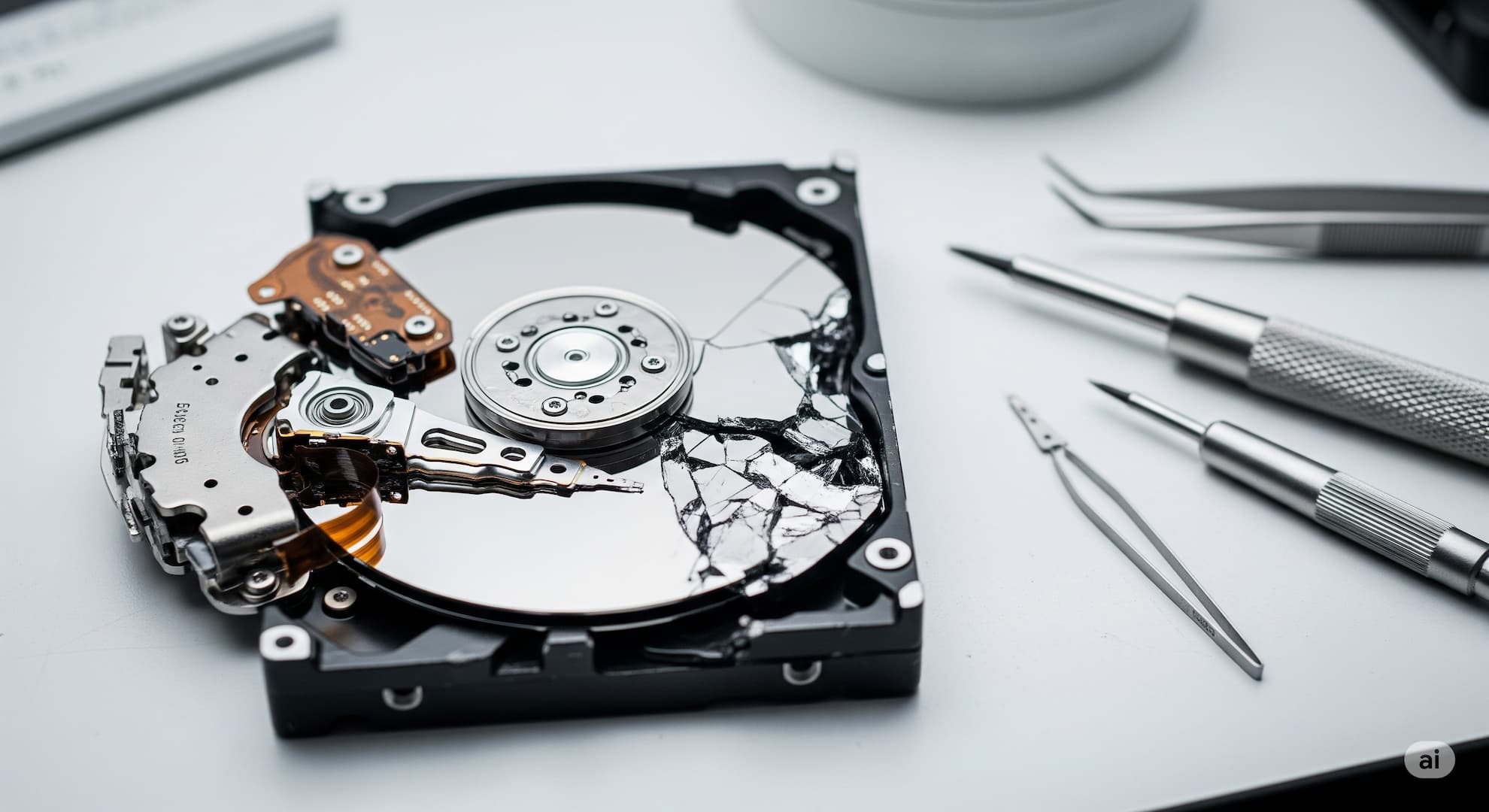
Deleted files, formatted drives, partition loss, OS corruption. Quick imaging and targeted file extraction.
No spin, clicking, bad sectors, or firmware issues. Clean‑room partners for head swaps and donor parts.
Synology, QNAP, Drobo, TrueNAS. Multi‑disk imaging, virtual rebuilds, and file‑level extraction.
Time-critical recovery for businesses, deadlines, and live failures in progress. If a drive is actively failing — clicking, slowing, or intermittently disappearing — power it off immediately and bring it in. Continuing to use a degrading drive almost always makes recovery harder and more expensive.
Call 760-722-9986 right now if you're losing access to data in real time. Walk-ins are welcome at our Oceanside and Encinitas shops; Carlsbad is by appointment.
Our San Diego data recovery service covers most common storage devices and media cards. If your drive or card isn't listed, ask — we'll evaluate it for free.
Common scenarios: deleted photos on an SD card, a camera card that “needs to be formatted”, a dropped external drive, a USB stick that won’t mount, or a phone backup you can’t restore. We image first, recover second — your original media is never written to.
We serve all of North County San Diego. Visit us for a fast, no‑pressure evaluation.
Local drop‑off and pickup available in Oceanside. We handle Macs, PCs, external drives, and cameras.
Call: 760-722-9986
Local drop‑off and pickup available in Encinitas. We handle Macs, PCs, external drives, and cameras.
Call: 760-944-9944
Local drop‑off and pickup available in Carlsbad. We handle Macs, PCs, external drives, and cameras.
Call: 760-722-0779
Tip: If the drive is clicking or won’t mount, power it off and stop trying — additional attempts can make recovery harder.
Most business data losses are not the disaster they look like at first glance. We help small businesses across North County San Diego recover from server crashes, RAID rebuild failures, ransomware attacks, accidental folder deletes on file shares, and the classic "the IT guy upgraded something and now QuickBooks is gone."
For ongoing IT support, see managed IT services and onsite business services . If you're actively dealing with an outage right now, call 760-722-9986 for emergency response.
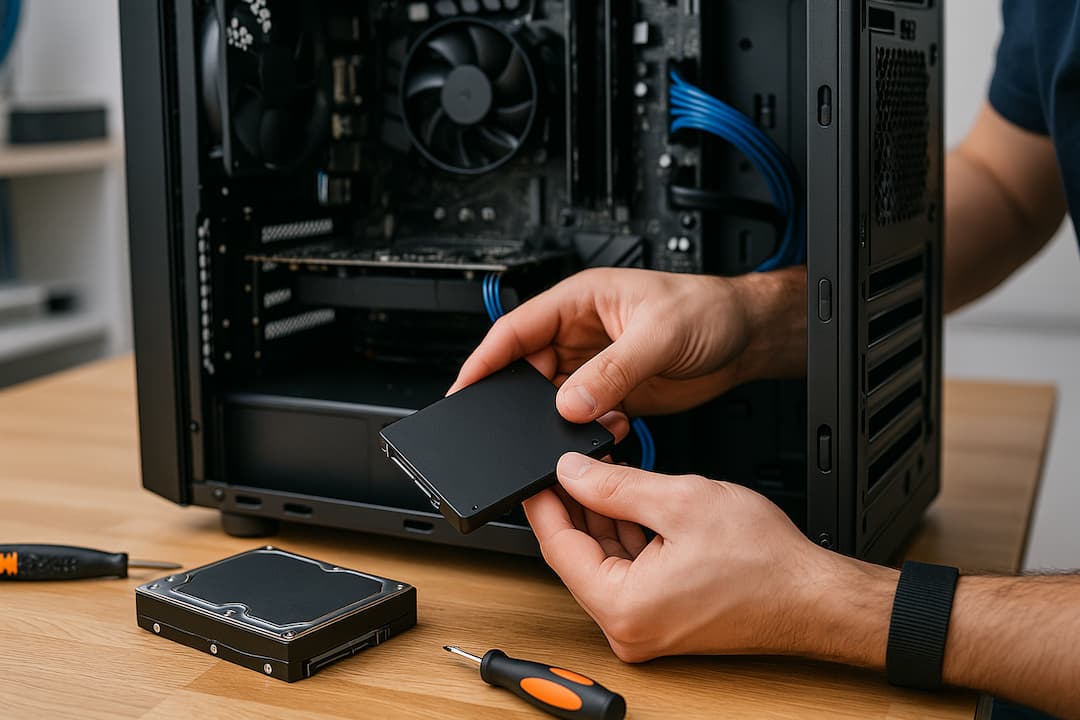
We provide transparent quotes after a free evaluation. No hidden fees, and you only pay if we recover the data you approve.
From $189 — deleted files, formatted drives, OS corruption, partition rebuild.
Custom quote — RAID/NAS arrays, multi‑disk imaging, firmware issues, encryption cases.
Subject to lab capacity — ask us about same‑day options.
Anonymized examples of recoveries we've completed for North County customers. Names and identifying details removed; outcomes are representative, not guaranteed.
Carlsbad business owner walked in with a Seagate drive that had started clicking that morning. We powered it down on arrival, imaged the drive in our lab, and recovered the entire QuickBooks company file plus 9 years of attached documents over 36 hours. Total downtime: under 2 days. Outcome: full recovery.
Encinitas student dropped a MacBook from a counter the week before her defense. The drive wouldn't mount. We pulled the SSD, cloned the readable sectors, and recovered the thesis (Word + LaTeX) plus 18 months of research notes. Returned on a fresh drive ready to plug into the replacement laptop. Outcome: full recovery before defense.
Oceanside-based wedding photographer brought in a 256 GB SD card that "needed to be formatted" mid-shoot. We imaged the card without writing to it, ran header-based recovery on the RAW files, and returned 99% of the images on a new card. Total turn: 48 hours. Outcome: nearly complete recovery; client made the delivery deadline.
No — power it down immediately. A clicking sound is usually the read/write heads hitting the magnetic platters, which destroys more data with every click. Unplug it, leave it off, and bring it in for a free evaluation. Continued power cycles dramatically reduce the chances of a successful recovery.
Pricing depends on the device type (HDD, SSD, USB, NAS), failure mode, and turnaround. We provide a free evaluation and a written quote before any work. Typical in-store logical recoveries start at $189 up to $400; complex clean-room cases are quoted individually.
No honest lab can guarantee 100% recovery in every case — success depends on the type and severity of the damage. What we can guarantee is that we'll use professional tools and experience to give you the best possible chance, and that our 'no data, no recovery fee' policy on approved Level 1 and Level 2 recoveries means you don't pay the recovery fee if we can't retrieve your files.
Yes. We recover data from spinning hard drives (HDD), solid-state drives (SSD), external USB drives, RAID/NAS arrays, and memory cards.
Absolutely. We handle macOS APFS/HFS+ and Windows NTFS/exFAT/FAT, as well as Linux ext filesystems. We can also recover from accidentally formatted drives or deleted partitions.
Your privacy is our priority. We maintain strict chain-of-custody, NDA on request, and never browse personal content beyond what is necessary for recovery. We return recovered data on a new drive or encrypted transfer at your preference.
Most logical recoveries are 1–3 business days. Severe physical failures or RAID/NAS cases can take longer depending on parts availability and imaging time. We offer rush service subject to lab capacity.
The cheapest data recovery is the one you didn't need. Most data loss we see could have been prevented with a basic backup setup. Our general recommendations:
For business backup planning and managed monitoring, see our managed IT services — we set up backup-and-monitor systems so you don't have to think about it.
Free evaluation. Local support in Oceanside, Encinitas, Carlsbad, and all of North County San Diego.
Prefer curbside? Ask about secure drive drop‑off and pickup options.
We recommend powering off failing drives immediately to maximize recovery chances.